
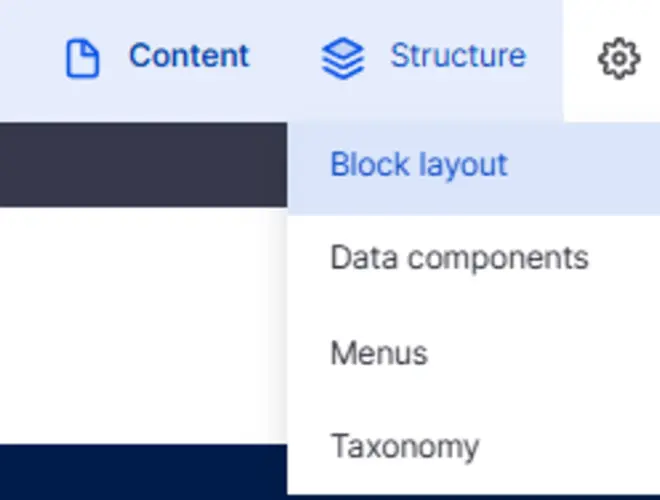
- Go to Structure -> Block layout
- In section "Header - Sticky", you should have a block "warning" (ask us to add it otherwise)
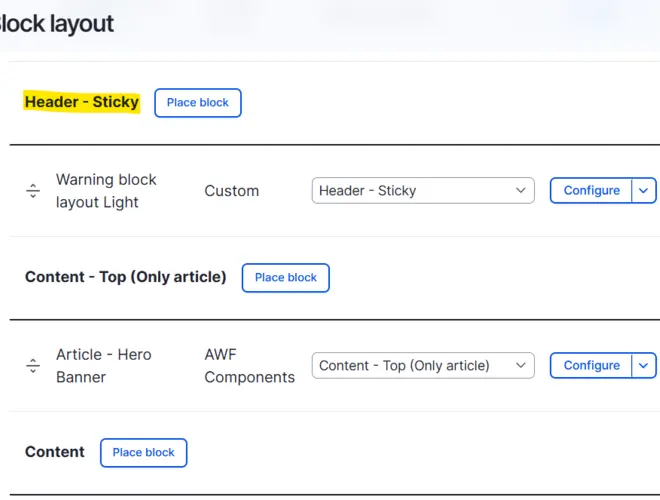
- Edit block "Warning"
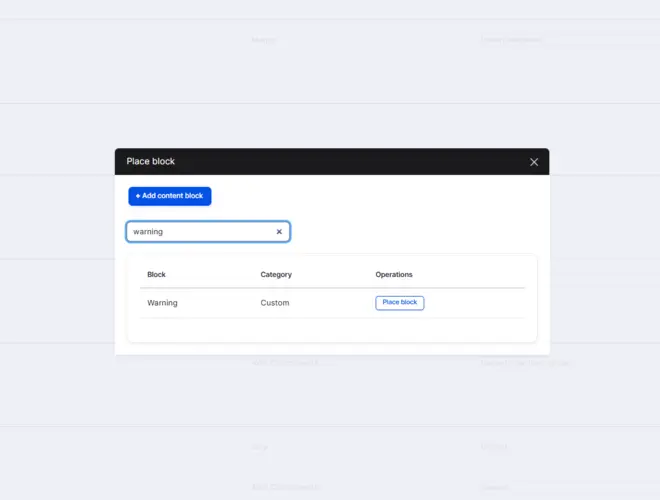
(if block Warning already placed, click on configure)
- Add your warning message in the Text and display the warning
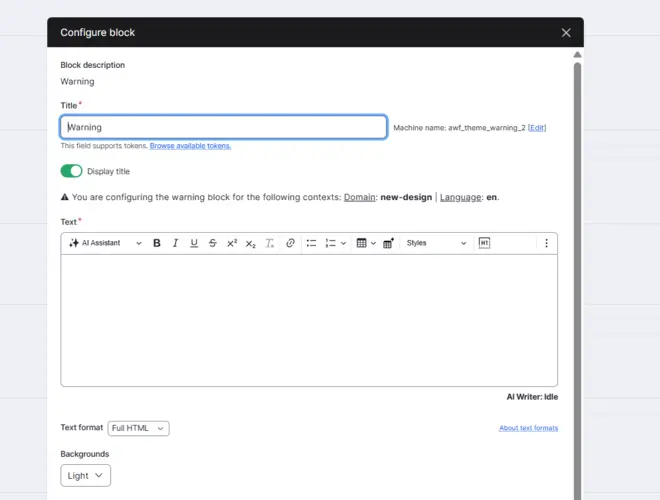
You can select the background color (Red or Light)